Day Wise Time Report
Step 1:
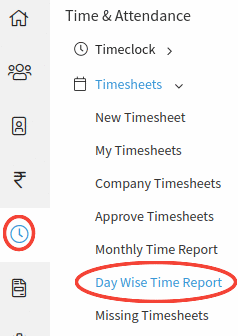
Go to Time & Attendance--> Day Wise Time Report--> By clicking on the 'Day Wise Time Report' Select Employee, Date Range options will be displayed on the screen.
Step 2:
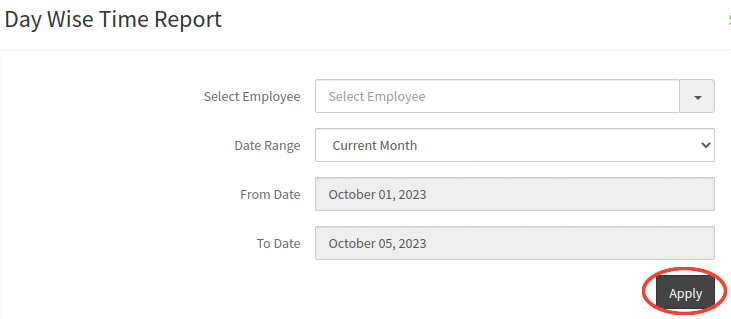
Select the employee and Date range options and click on the Apply button to view the report.
Step 3:
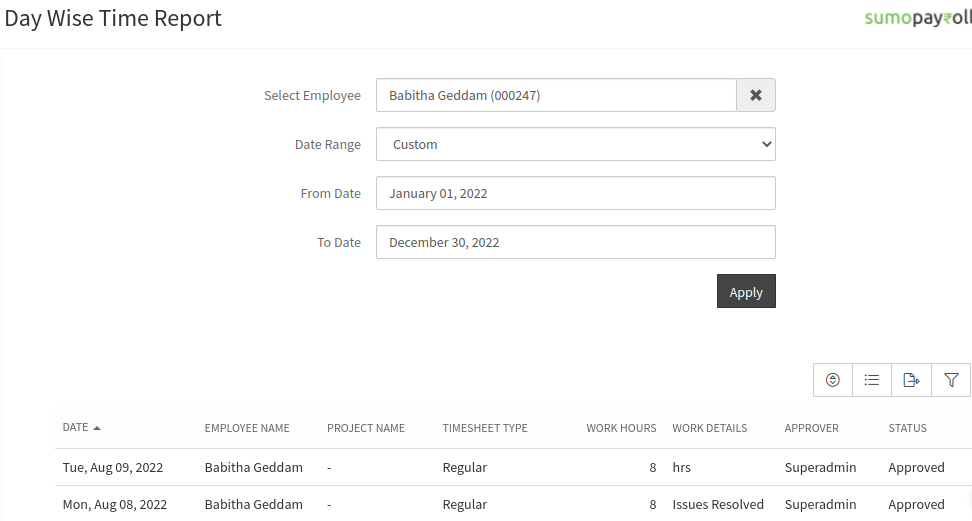
On clicking on the Apply button, the Day wise time report details will be displayed in the below table.