Step 1
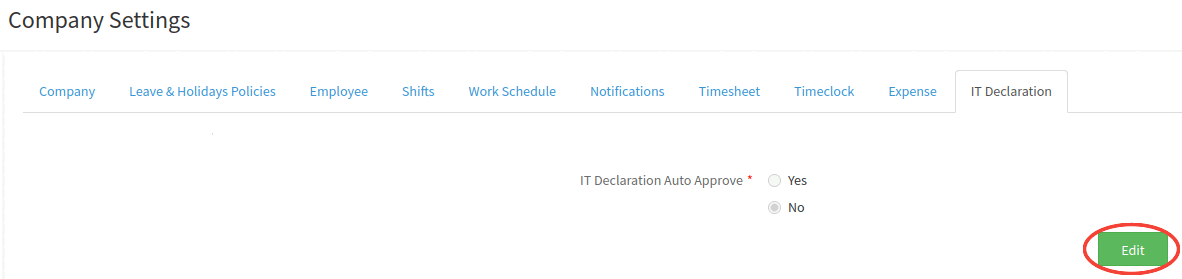
Go to Administration-- > Company Settings--> IT Declaration Tab--> Click on the Edit button.
Step 2
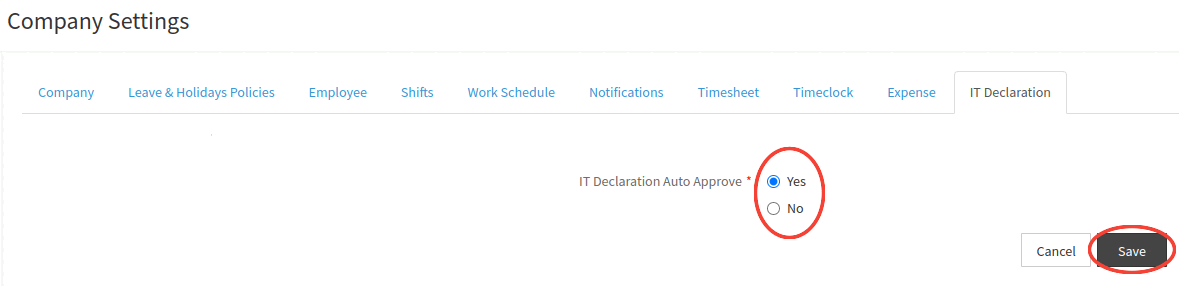
On clicking on the Edit button. Select the IT Declaration Auto Approve to Yes.
Step 3
Click on "Save" button as shown in the below image.
Step 4
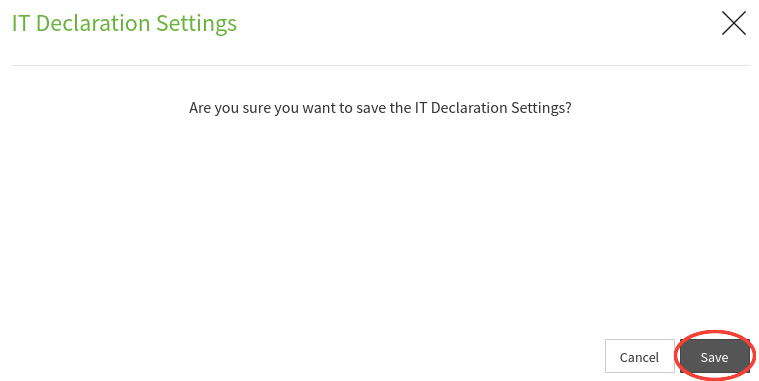
Click on the "Save" button. On clicking on the Save button, a confirmation message appears prompting you about the IT Declaration settings updated successfully.